 Nexus
NexusCalculated KPIs
Build your own metric from a formula over the board's figures — ratios, targets, whatever your desk actually measures (Pro).
For MSPs and IT support teams
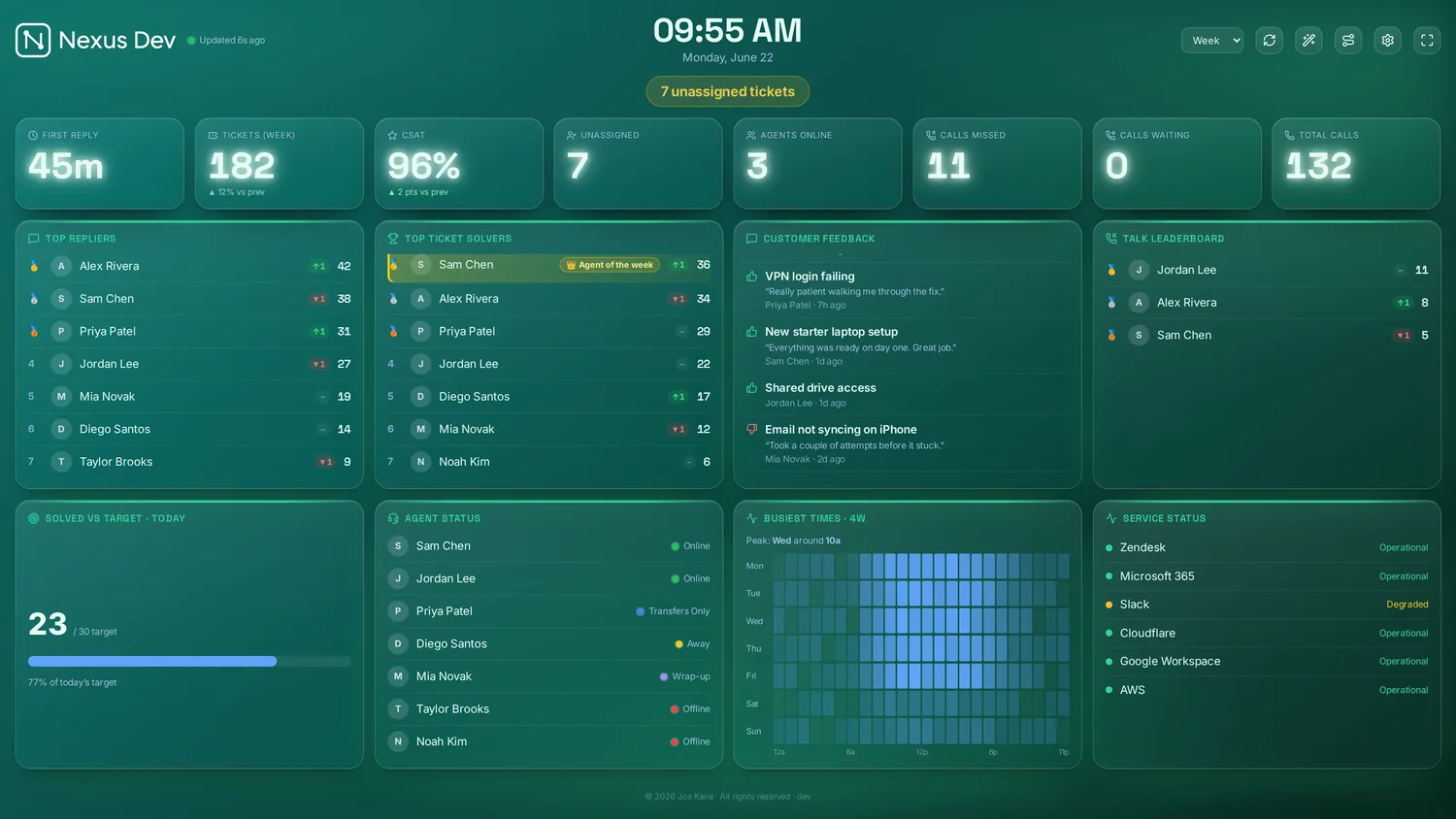
Tickets, SLAs, calls and team goals on one screen the whole room can see — on your own server, or hosted by us.
14-day free trialCard required, nothing charged until day 14Cancel before then and pay nothing
No card to hand? Get a 14-day trial key with just your email →
What changes
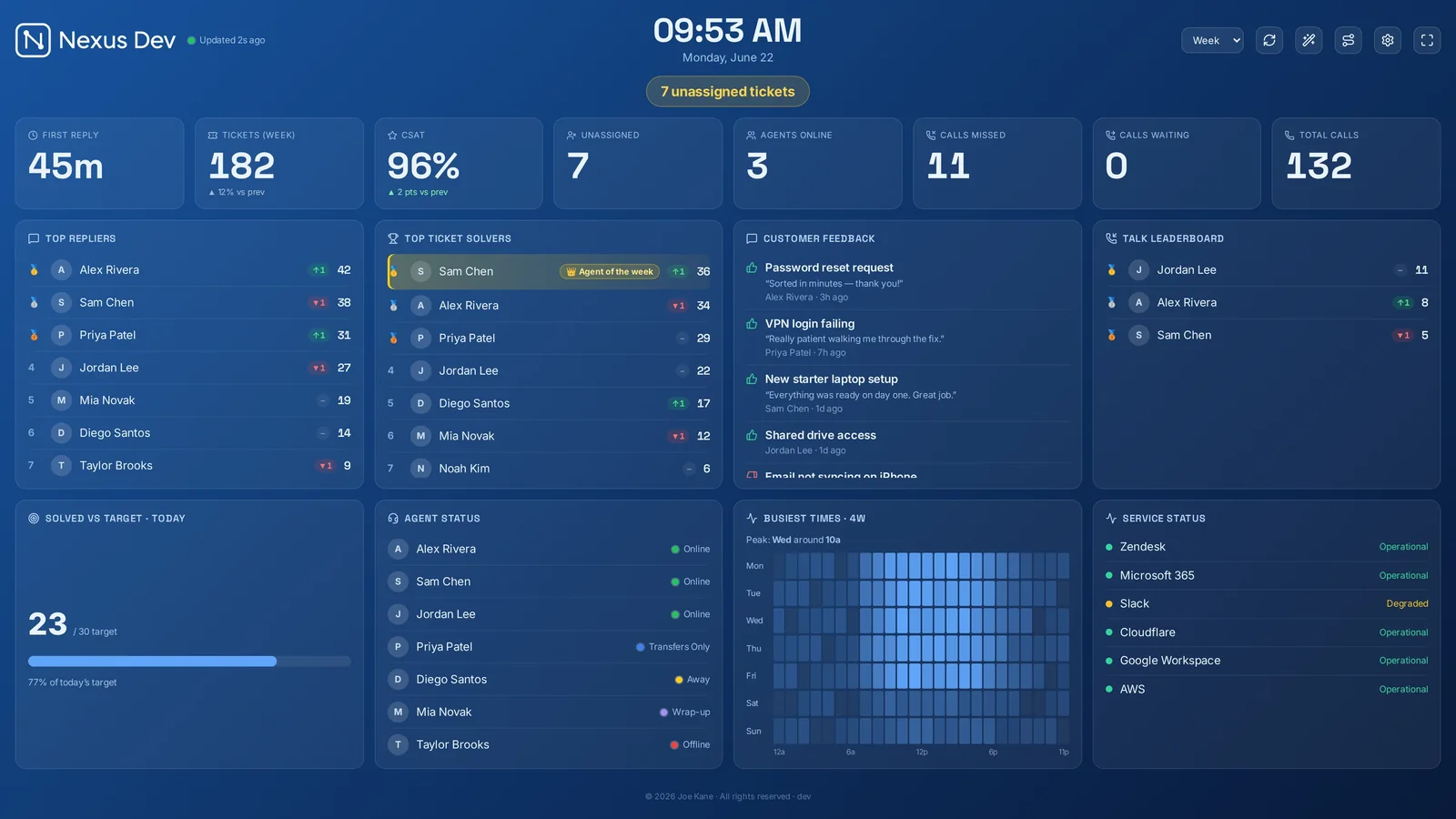
Most helpdesk numbers live in a report someone opens on Friday. Nexus puts them on the wall, so the room reacts while it still matters.
01 — The queue
Unassigned tickets, first-reply time and SLA countdowns sit where everyone can see them, so the next ticket gets picked up — not discovered in tomorrow's report.
02 — The team
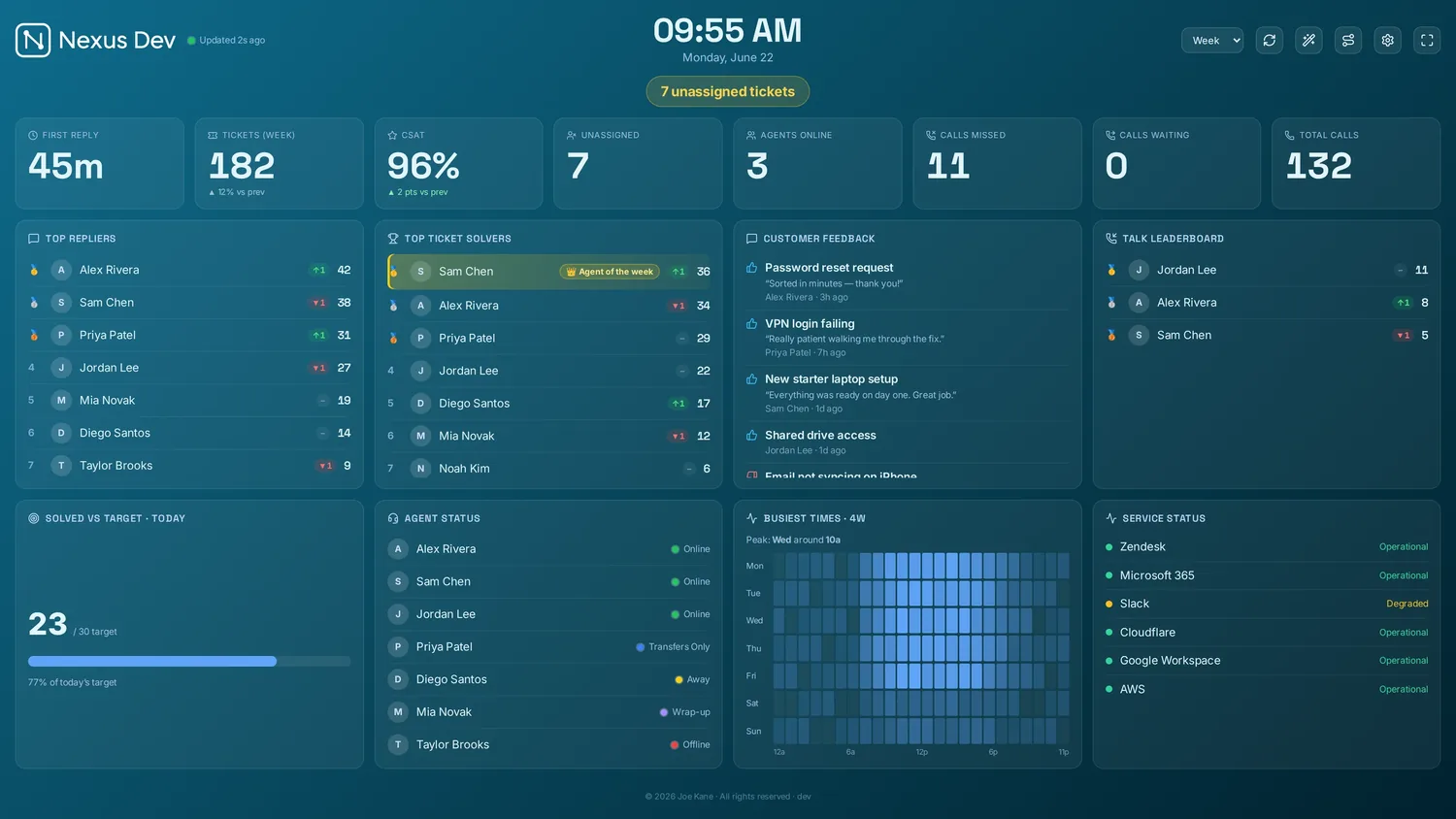
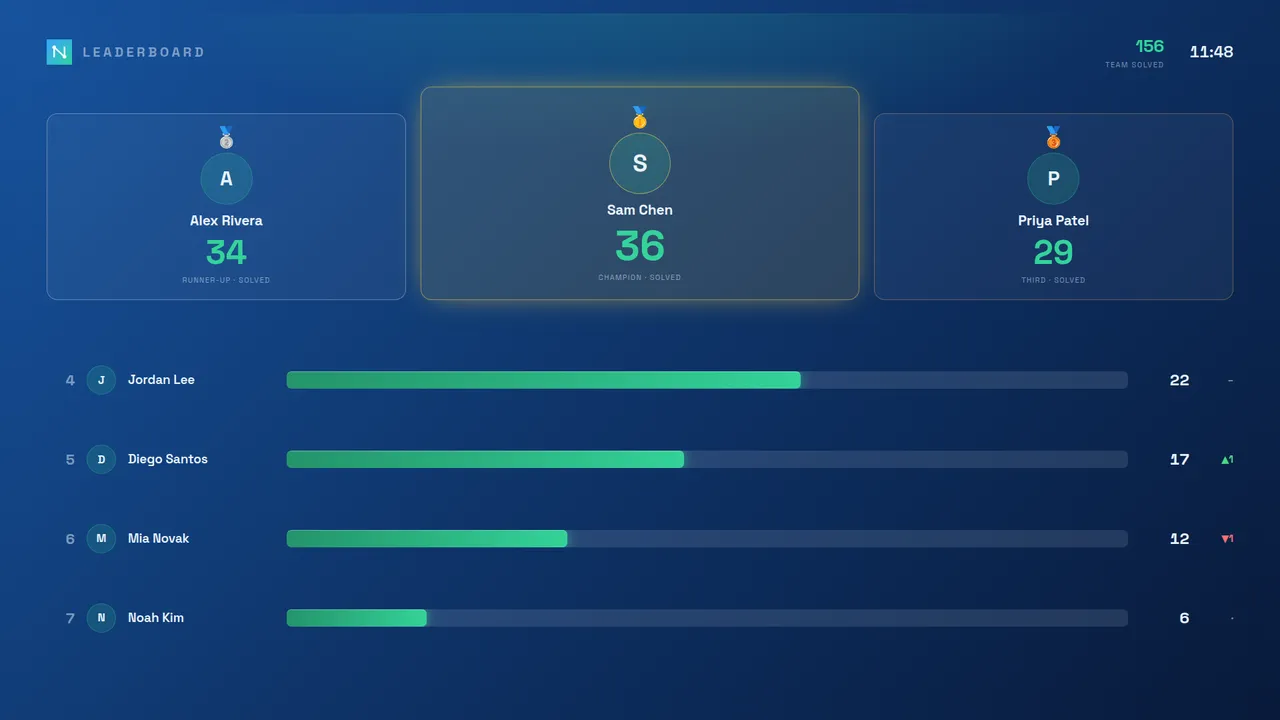
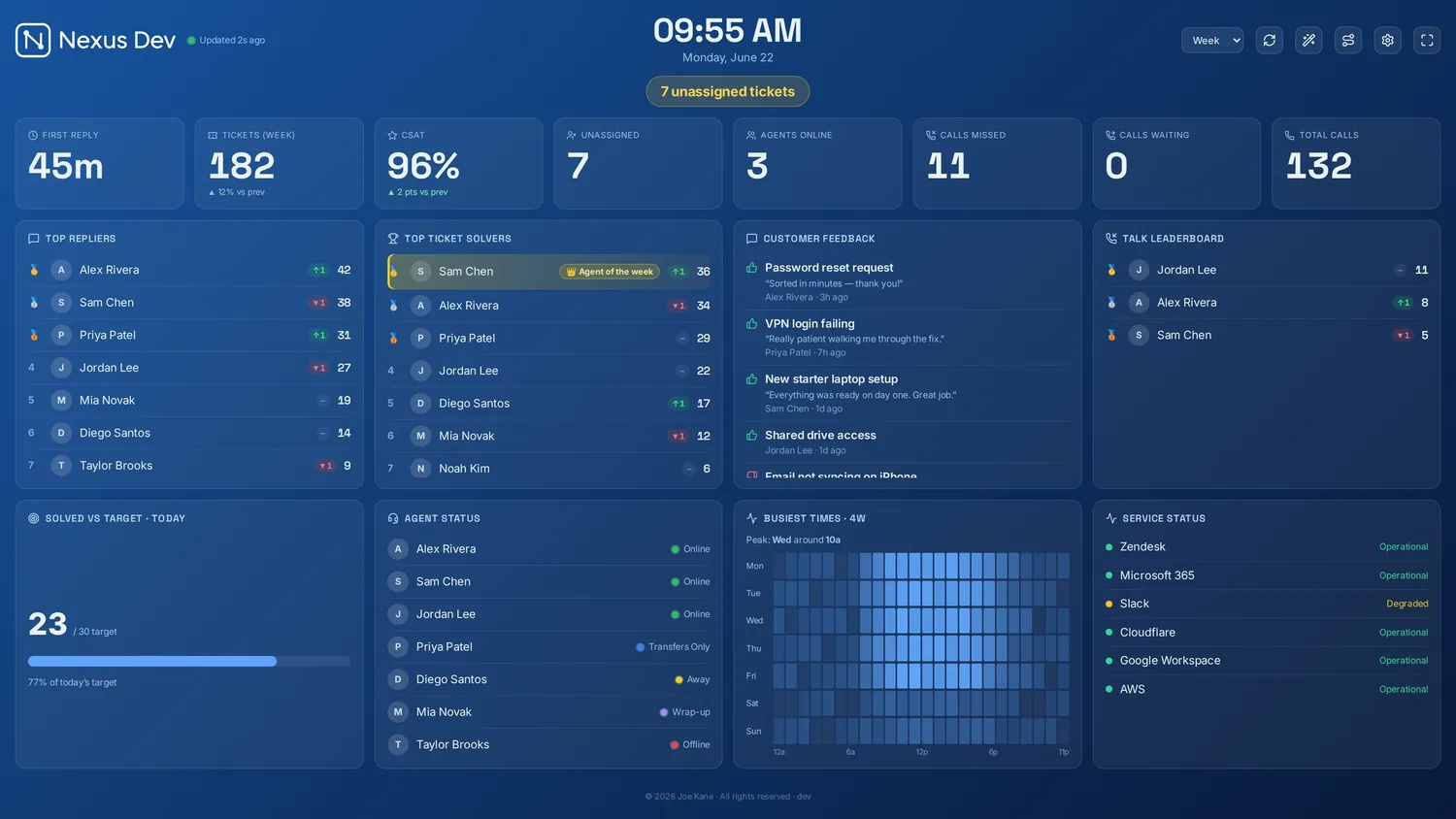
Goals with red, amber and green status, leaderboards, streaks and an agent-of-the-week crown turn a long shift into something people check on — with confetti when the target falls.
03 — The report
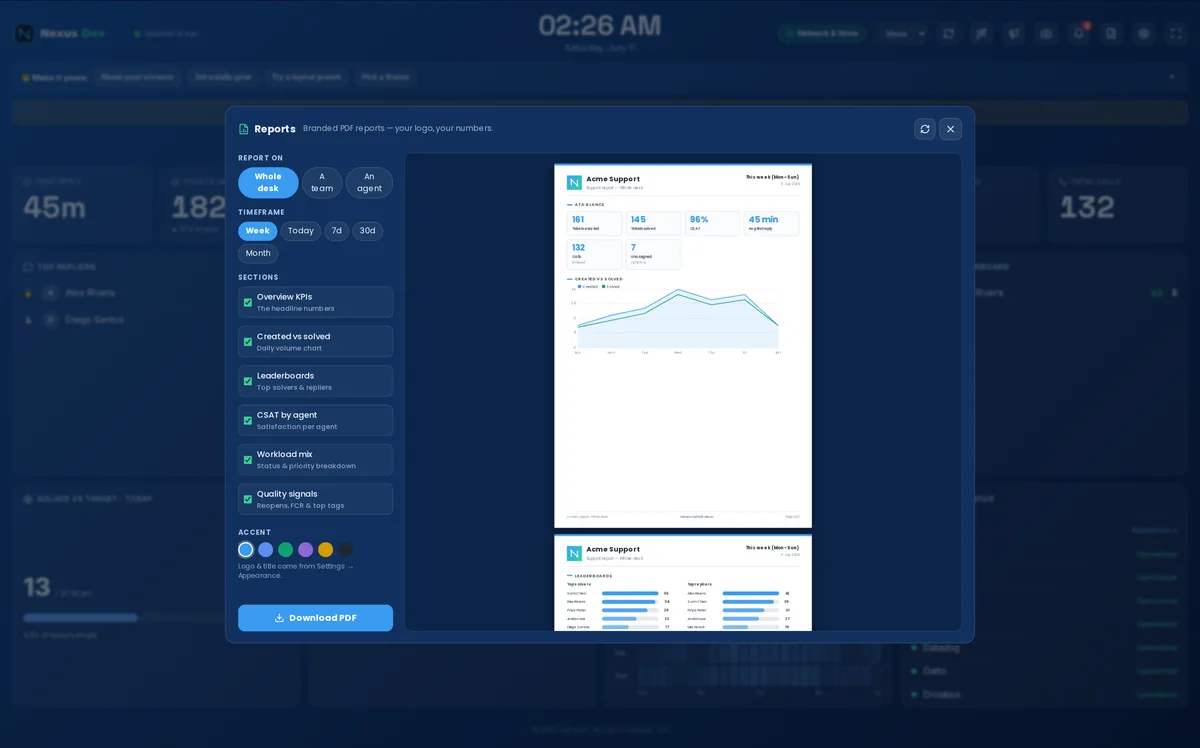
Branded PDF reports for the whole desk, one team, one agent or one client — on demand, or emailed and posted to Slack or Teams on a schedule. Client QBR packs come from the same data.
04 — Every screen
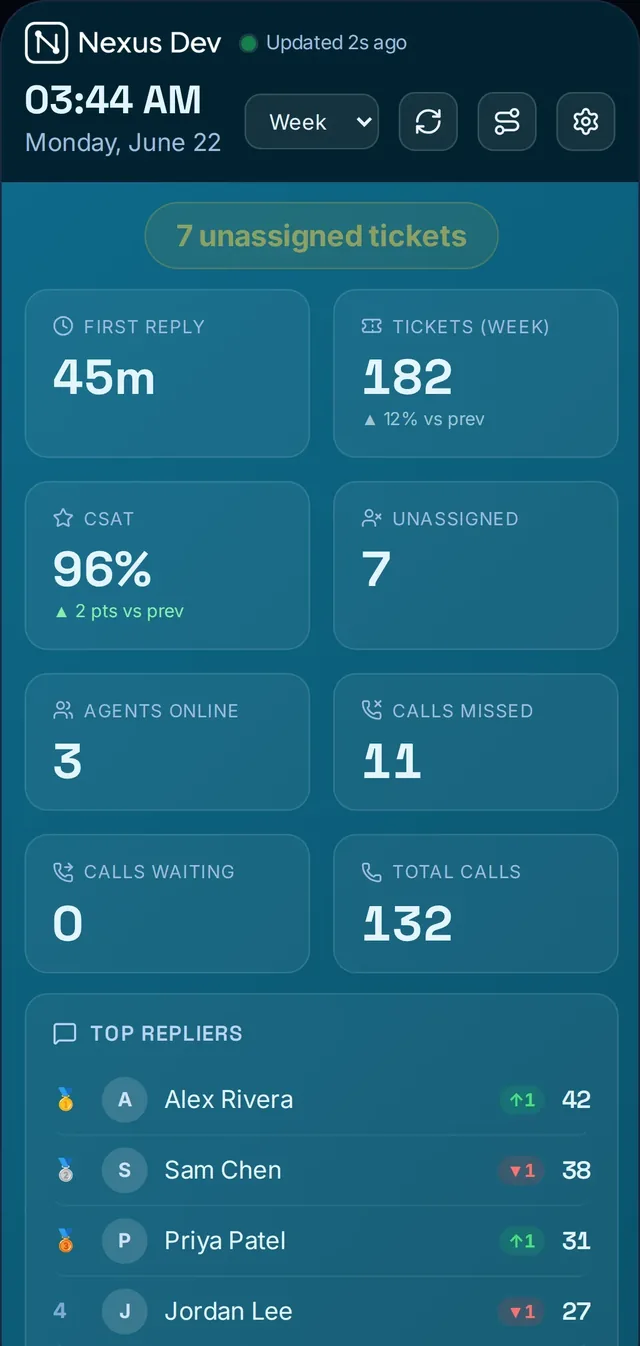
The wall TV, the team lead's desktop, everyone's phone and a panel inside Zendesk all read from the same server. Screen Sync lets you reload, rotate and re-point every TV from your desk.
Also on the board
Build your own metric from a formula over the board's figures — ratios, targets, whatever your desk actually measures (Pro).
Meraki, Aruba, Auvik, Huntress, NinjaOne and more, normalised to one panel per tool (Enterprise). UniFi is in every plan.
Reads your unassigned queue and routes each ticket to the right engineer. Included with Enterprise.
Named logins on four access levels, Google or Microsoft sign-in, and a tamper-evident audit trail (Enterprise).
Give each customer a link to their own tickets only — isolation is enforced on the server, not hidden in the UI (Enterprise).
Bring any JSON endpoint you control onto the board when the built-in integrations don't cover it (Enterprise).
Make it yours
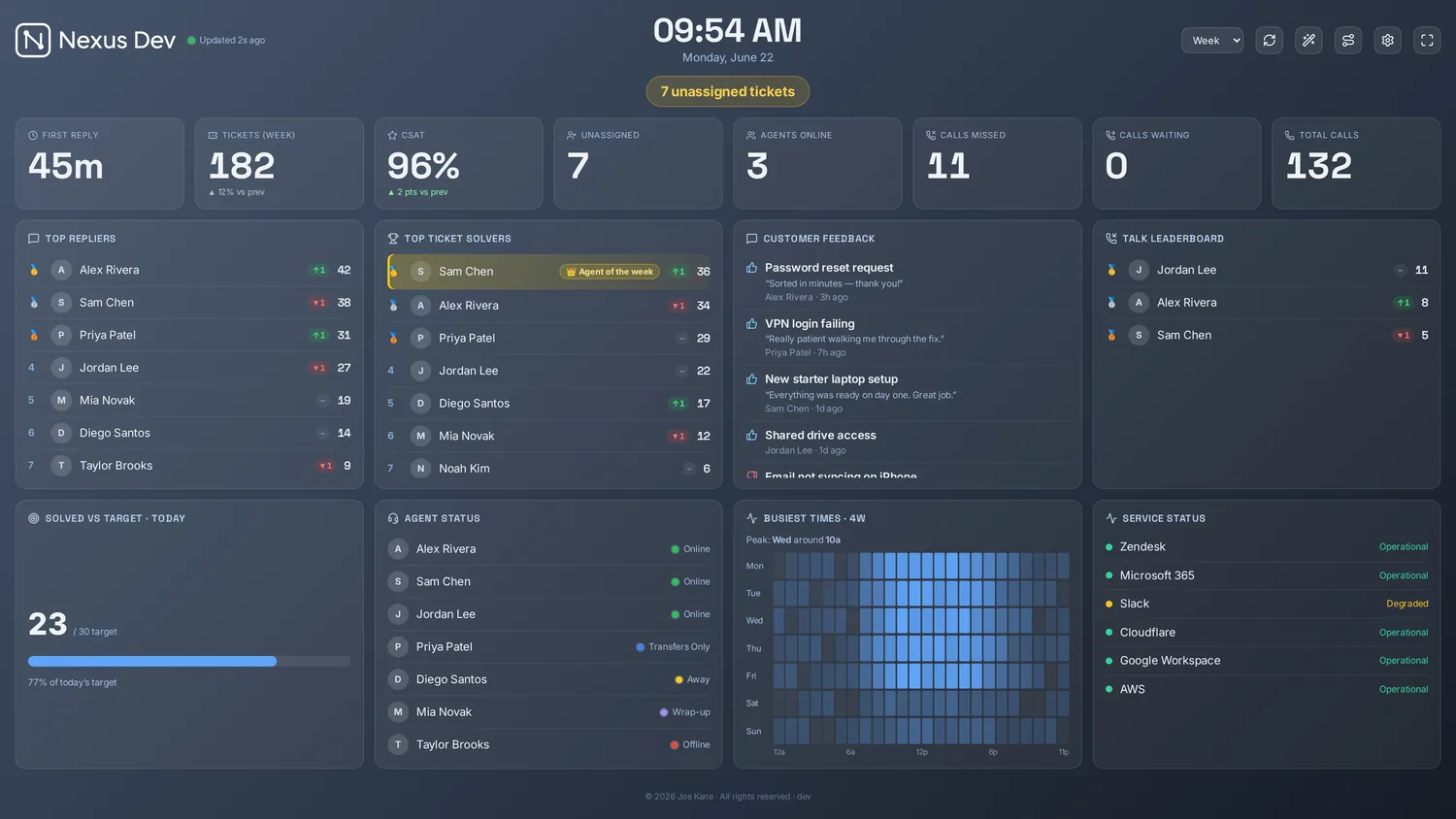
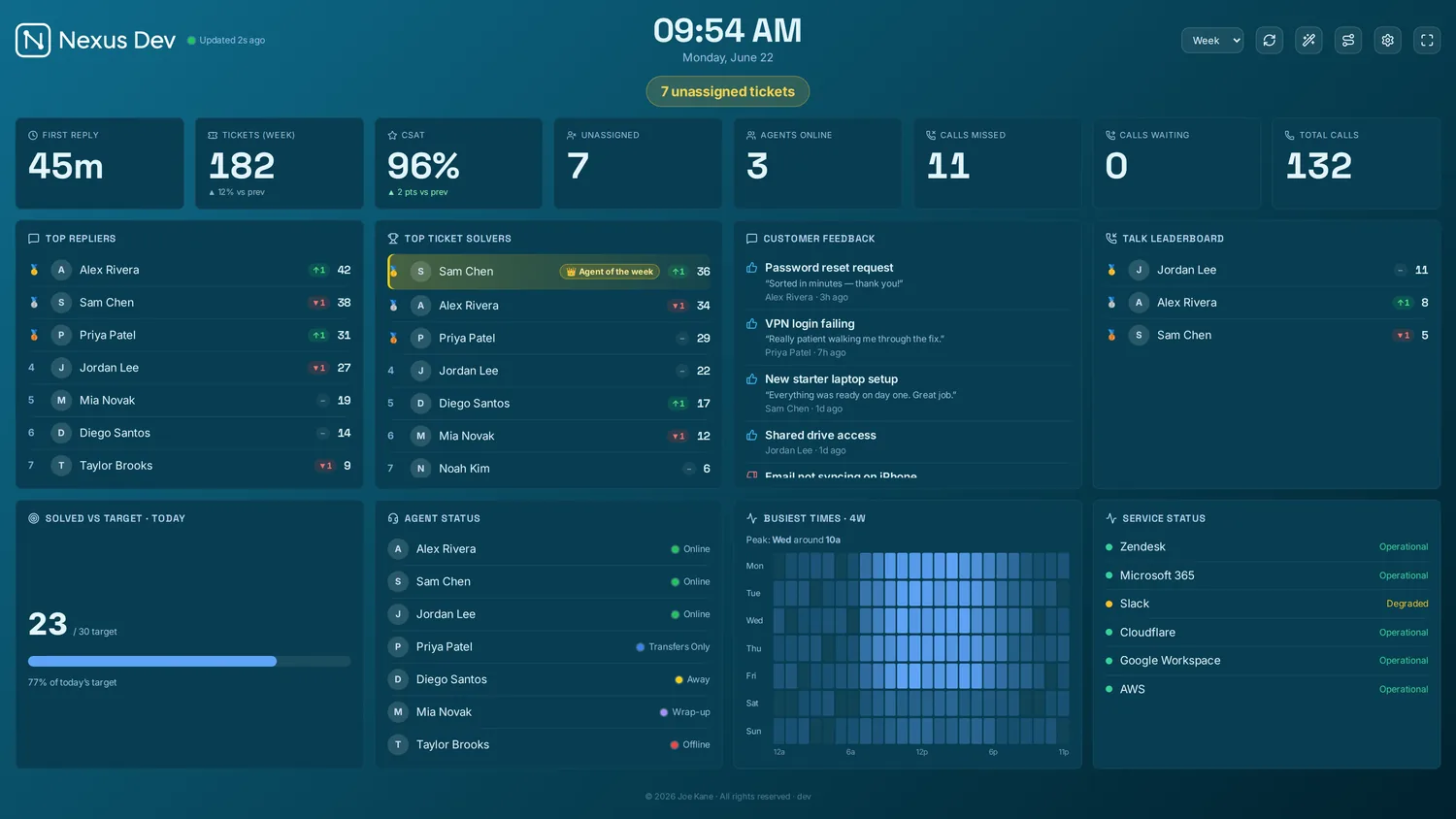
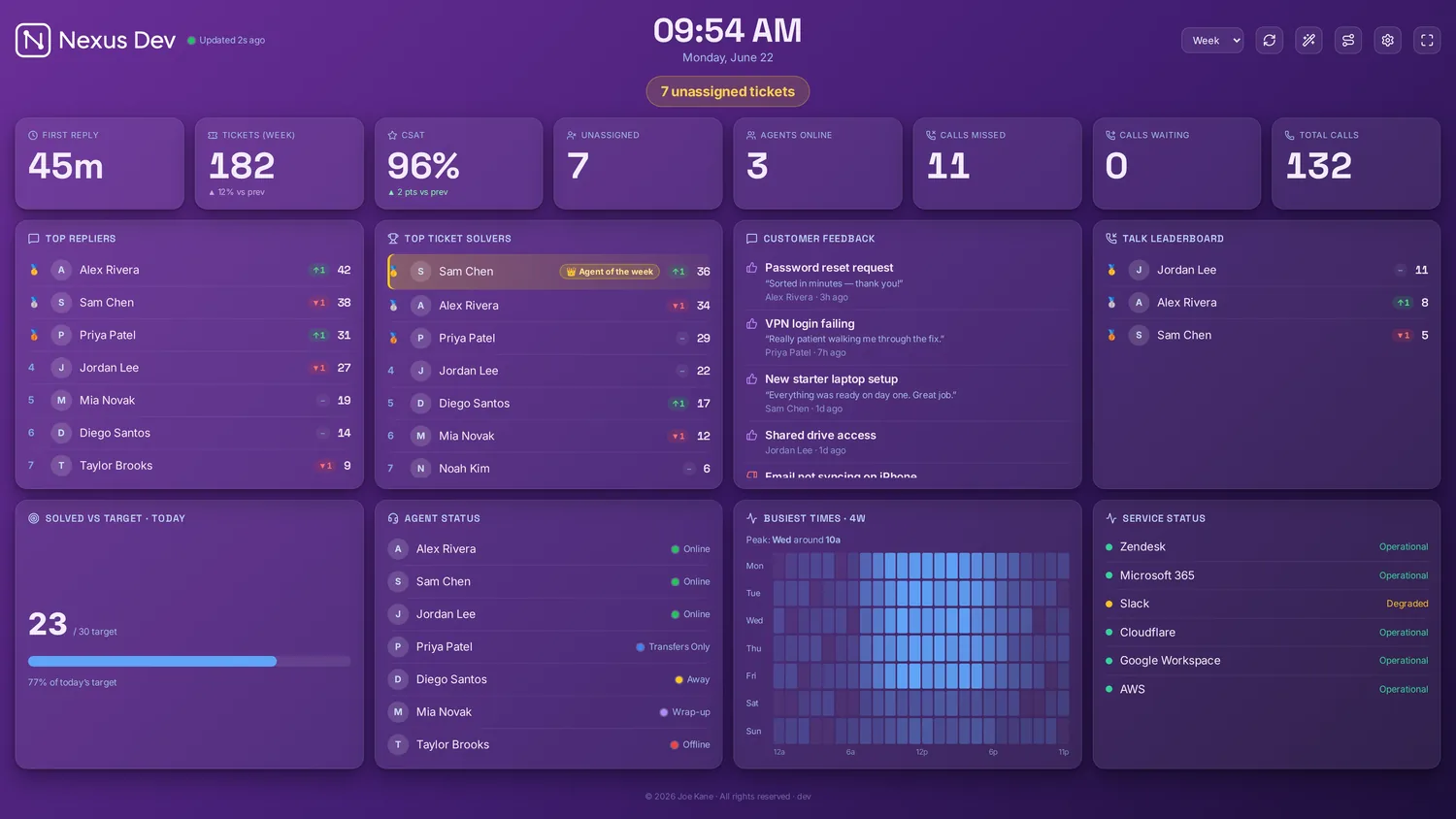
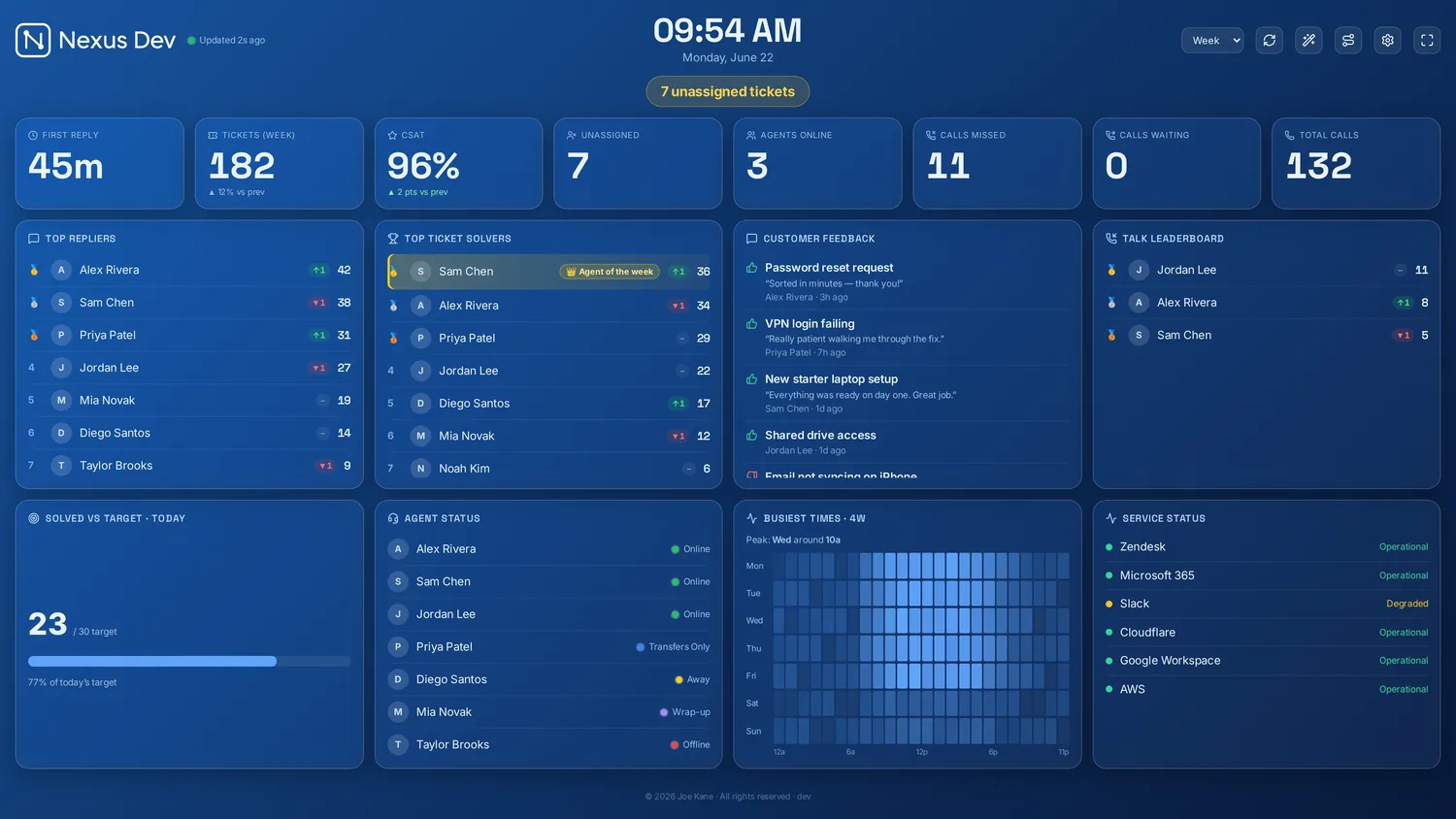
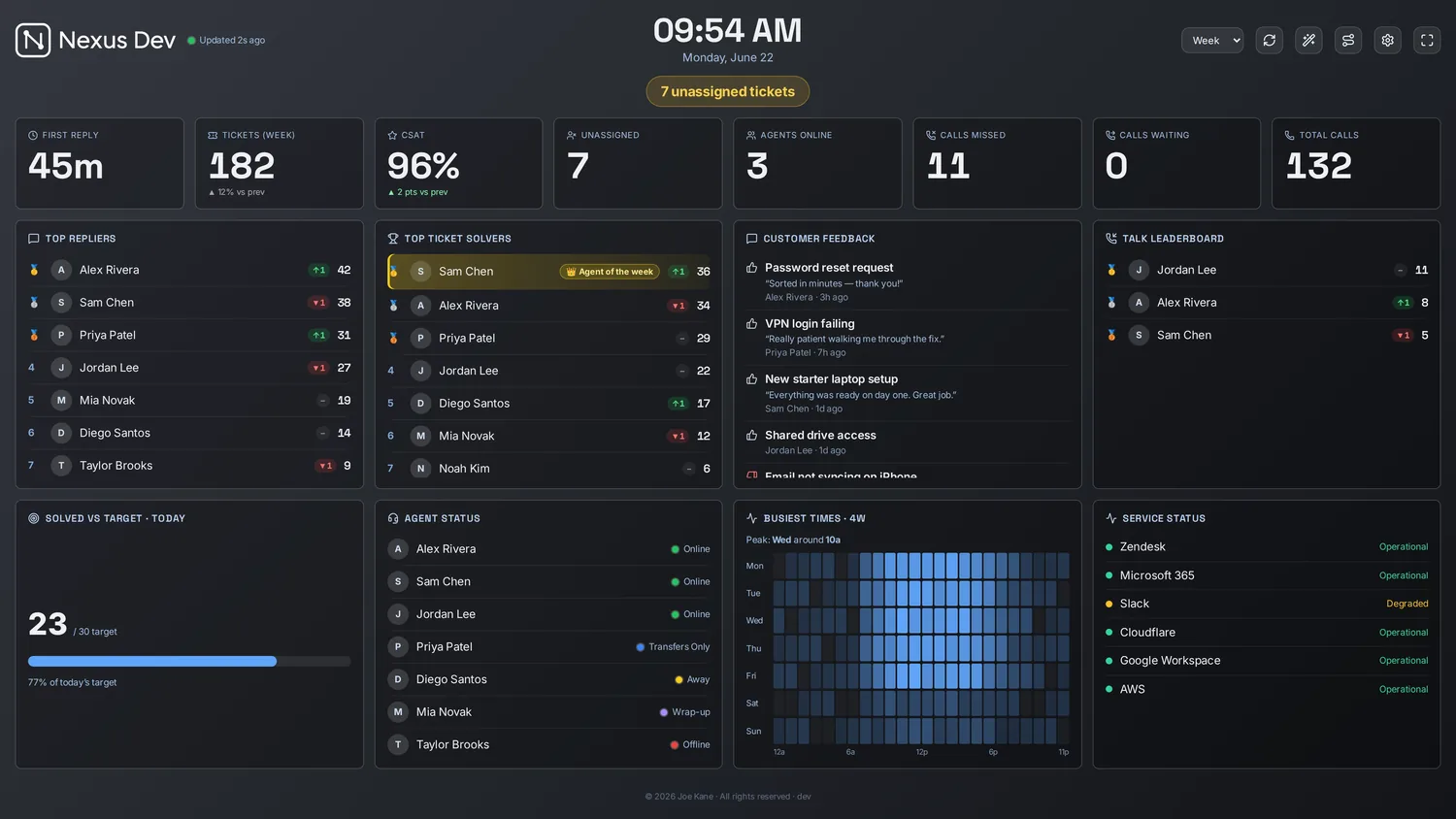
Match the room, the brand or the time of day — per screen or per dashboard. Pick a theme: the board recolours, and so does this site.
Looks — the surface the panels sit on
Getting started
Pick a plan. Stripe Checkout takes a card but charges nothing for 14 days, and you're emailed before the trial ends.
One Docker command on a small VM, mini-PC or server you already have. Or tick managed hosting and we'll have it live at its own address.
Paste an API token into the setup wizard and the board fills itself. The licence renews on its own after that.
Proof you can check
Nexus is new and independent, so there's no row of customer logos here. Instead, everything below is something you can open and check for yourself.
Ed25519-signed licence keys, API tokens encrypted at rest with AES-256-GCM, scrypt-hashed passcodes and SSRF-guarded fetches. Read how each one works.
The licence is verified offline on your own server, so the board renders without calling us and carries on through an outage on our side. Your data, settings and history live with you, and export any time. How that works.
Self-hosted installs send one opt-out beacon: licence id, version, plan, helpdesk product and an optional instance name. Nothing else. The full list.
200+ automated tests on every build, plus an end-to-end test that drives the real board in a real browser. It's built for a screen nobody touches for weeks.
Every release since v1.0 has a plain-English entry, patches included. Read the changelog or follow the RSS feed.
Self-host on hardware you own, or take managed hosting: your own isolated instance in a UK/EU region, never a shared pool. How hosting works.
Pricing
In GBP, ex VAT. Self-hosting is included in every plan; managed hosting is +£15/mo if you'd rather we ran it.
For a single team putting their helpdesk on one screen.
or £24.17/mo billed yearly — save 2 months
For growing desks that want goals, history and a bit of competition.
or £49.17/mo billed yearly — save 2 months
For MSPs and multi-team desks that need per-client isolation and SSO.
or £91.67/mo billed yearly — save over 2 months
Every plan: 14-day free trialCard required, nothing charged until day 14Cancel before day 14 and pay nothing
Compare every feature, plan by plan

Built, shipped and supported by one person — me. You deal directly with the developer who writes the code, and it's updated constantly: every change is in the changelog. If something's wrong, tell me and you'll hear back from the person who can fix it.
Joe Kane · maker of Nexus
Questions
Still unsure? More answers, or ask directly.
Nexus is a live support wallboard. It reads your helpdesk — Zendesk, Freshdesk, Jira Service Management, HaloPSA and seven more — and shows tickets, SLAs, calls and team goals on one board for wall TVs, desks and phones. Calls refresh every 20 seconds and tickets every minute.
No — it's your choice. By default Nexus is self-hosted: one Docker command on a small VM, mini-PC or server you already own, and your helpdesk data never reaches us. If you'd rather not run a server, add managed hosting for +£15/mo and we run your own private, isolated instance in a UK/EU region, kept updated and backed up.
Every plan starts with a 14-day free trial through Stripe Checkout. A card is needed to start it, nothing is charged for 14 days, and you're emailed before the trial ends. Cancel before day 14 and you pay nothing. After that it's monthly or annual, in GBP ex VAT, and you can change plan or cancel any time from the billing portal.
Zendesk Support and Talk, Freshdesk, Freshservice, Jira Service Management, HaloPSA, SuperOps, NinjaOne, ConnectWise PSA, Zoho Desk, Help Scout and Front. Enterprise adds multi-vendor monitoring panels (Meraki, Aruba, Auvik, Huntress and more), and custom connectors bring any JSON endpoint you control onto the board.
Self-hosted, your helpdesk data stays on your own server and never reaches us. The only thing a self-hosted install sends home is a minimal, opt-out licence beacon: licence id, version, plan, helpdesk product and an optional instance name. API keys are encrypted at rest with AES-256-GCM and the licence is an Ed25519-signed key verified offline — the security page explains each mechanism.
Your board keeps working until the end of the period you've paid for, plus a short grace window. After that the licence lapses and the board asks for a current licence key until you renew. Your server, settings, history and data stay yours throughout — and on managed hosting you can export your data or move to self-hosting.
Start a 14-day free trial, or look around the live demo first — no account needed.