 Nexus
NexusPractical guides for support teams.
Honest, vendor-neutral how-tos on putting your help desk on the wall, choosing a wallboard, and keeping your data on your own server.
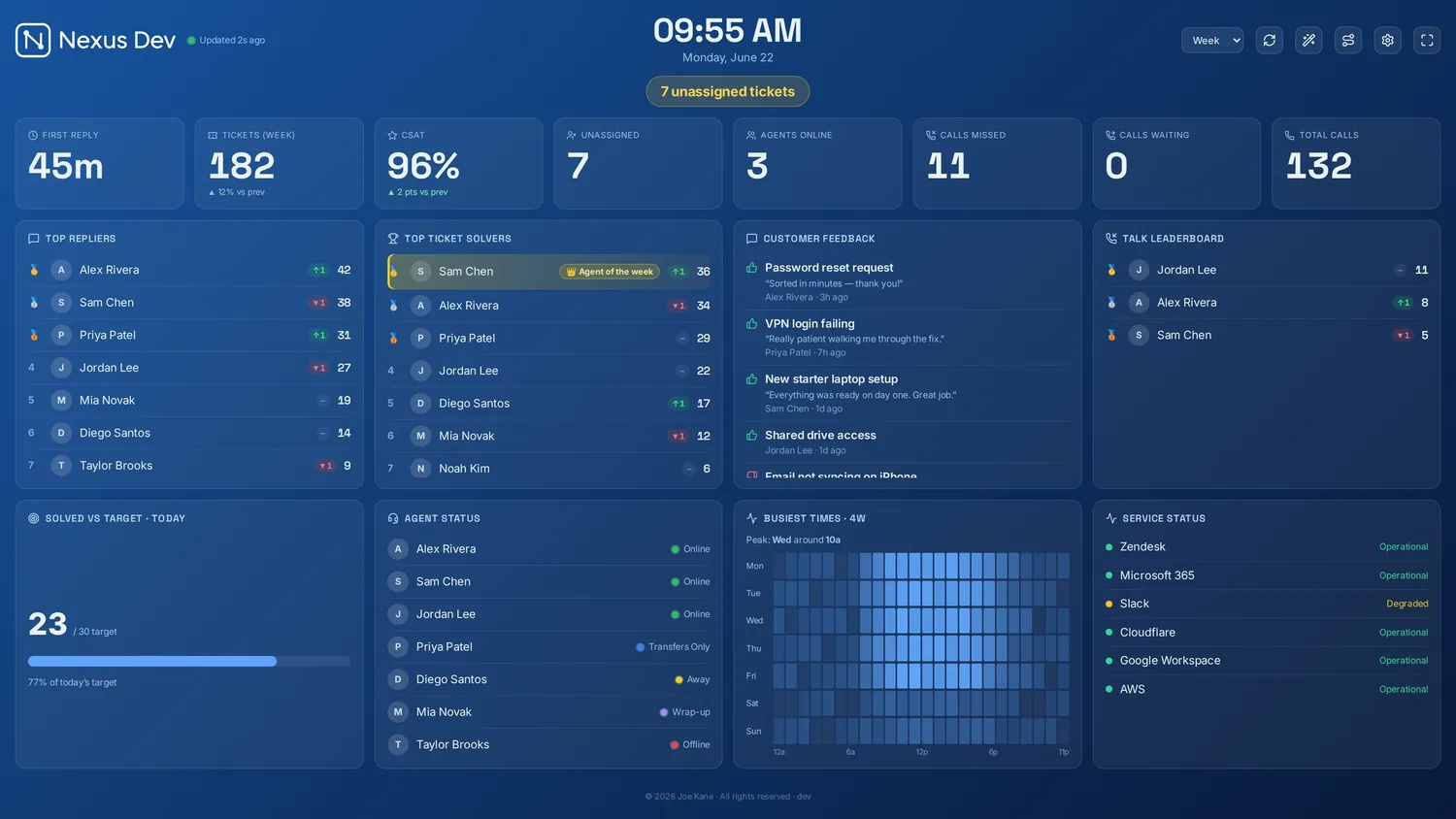
How to put your Zendesk queue on a TV
A step-by-step guide to getting your live Zendesk tickets, SLAs and calls onto an office wall display — without piping customer data through someone else's cloud.
Read the guide →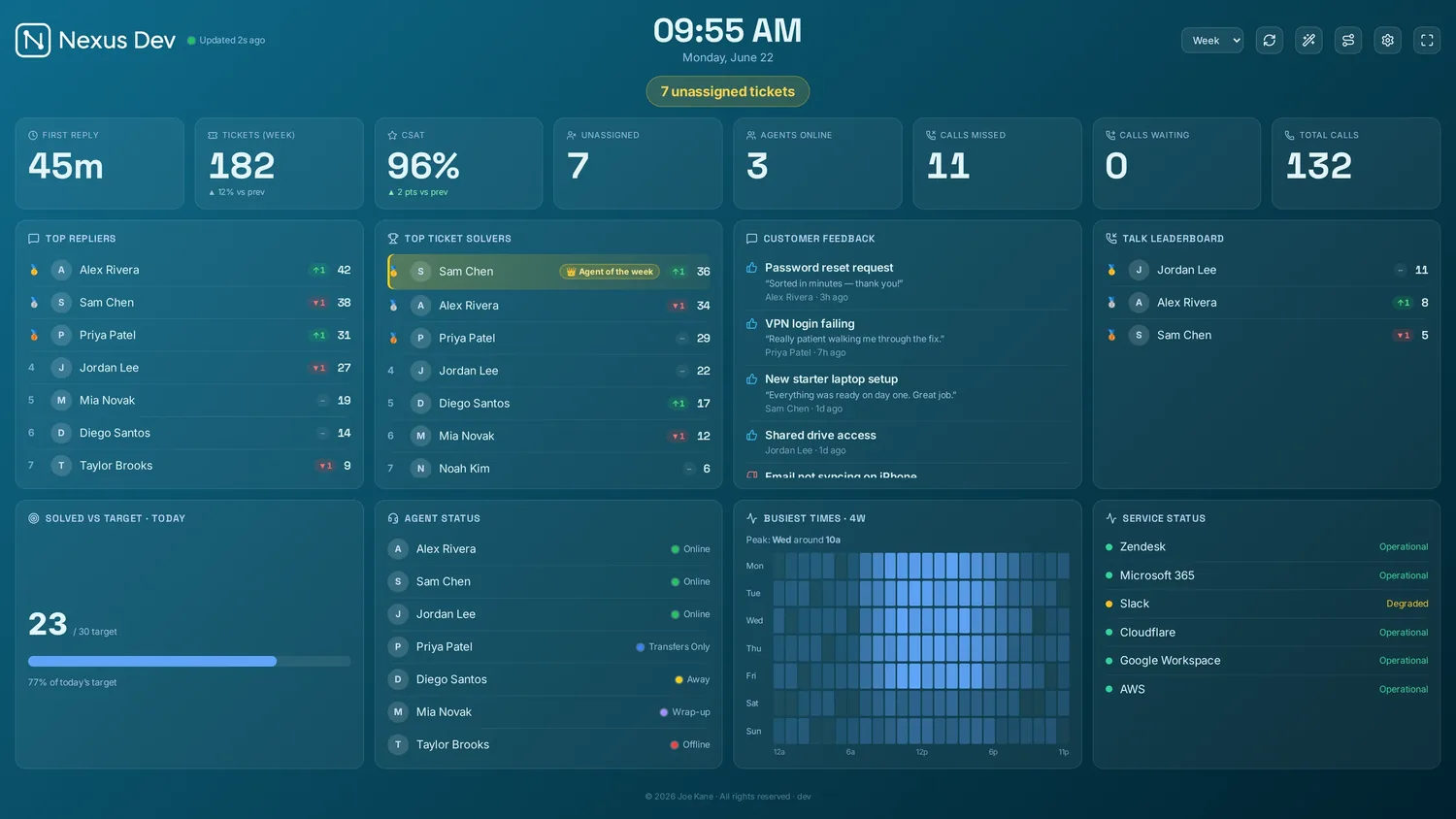
Best help desk wallboards in 2026
An honest round-up of the leading help desk wallboards — Geckoboard, Plecto, Zendesk Explore, Grafana and Nexus — with who each one is genuinely for.
Read the guide →
Self-hosted vs cloud wallboards
What actually changes when your wallboard runs on your own server instead of a vendor's cloud — for data ownership, cost, reliability and compliance.
Read the guide →Do you need a server to run a wallboard?
No data centre required — run it on a spare PC or a Raspberry Pi, or skip the hardware and have it hosted for you as a private instance.
Read the guide →Secure, private wallboard hosting
What "secure private hosting" should mean for a support board — single-tenant, UK/EU, your own domain, and honest limits on what a managed board reports back.
Read the guide →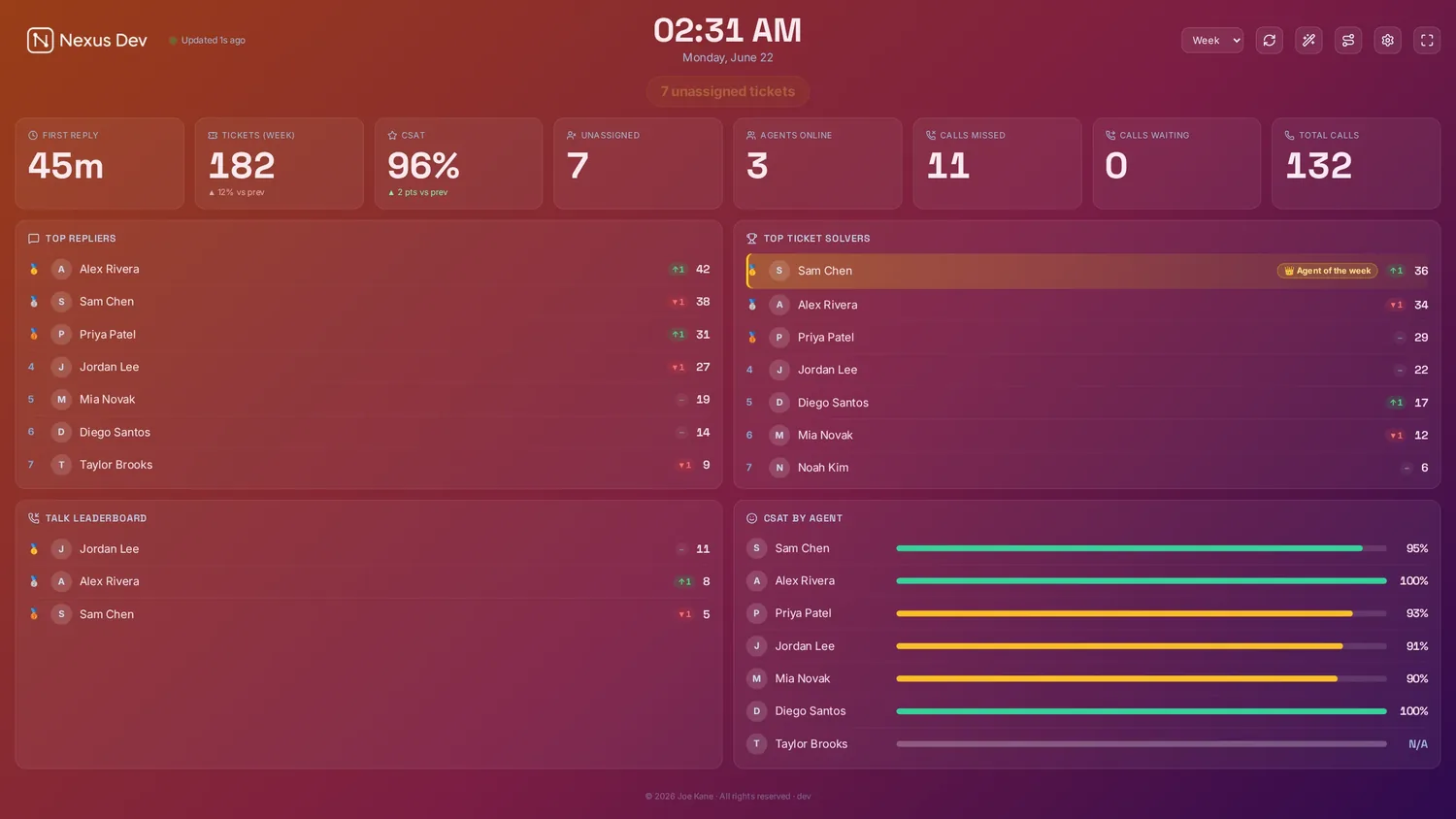
Help desk SLA metrics that matter
Which SLA and support metrics actually belong on a wallboard — and which to leave for your month-end report.
Read the guide →
What to put on a call centre wallboard
Calls waiting, service level, abandonment, AHT and agent status — what to include, what to cut, and how to lay it out.
Read the guide →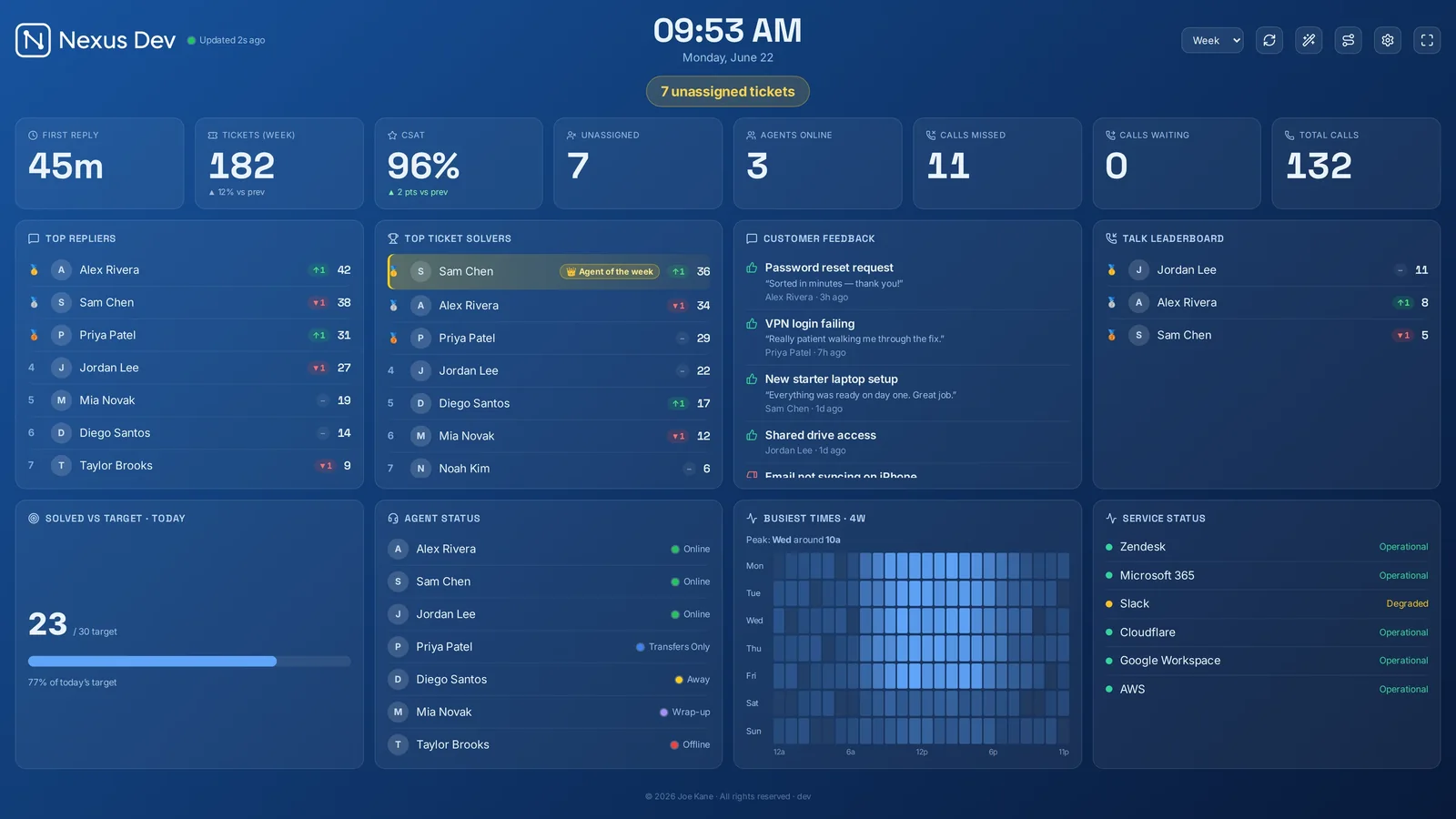
What is a wallboard? A plain-English guide for support teams
What a wallboard is, what goes on one, and why support teams put their help desk on a big screen.
Read the guide →Help desk KPIs every support team should track
First response, SLA attainment, CSAT, backlog and more — what each KPI tells you, and which belong on a live wall.
Read the guide →How to reduce your help desk's first response time
Triage, routing and shared visibility — practical ways to cut your help desk's first response time.
Read the guide →Support team gamification: leaderboards that actually motivate
Leaderboards, goals and friendly competition that motivate a team without gaming the metrics.
Read the guide →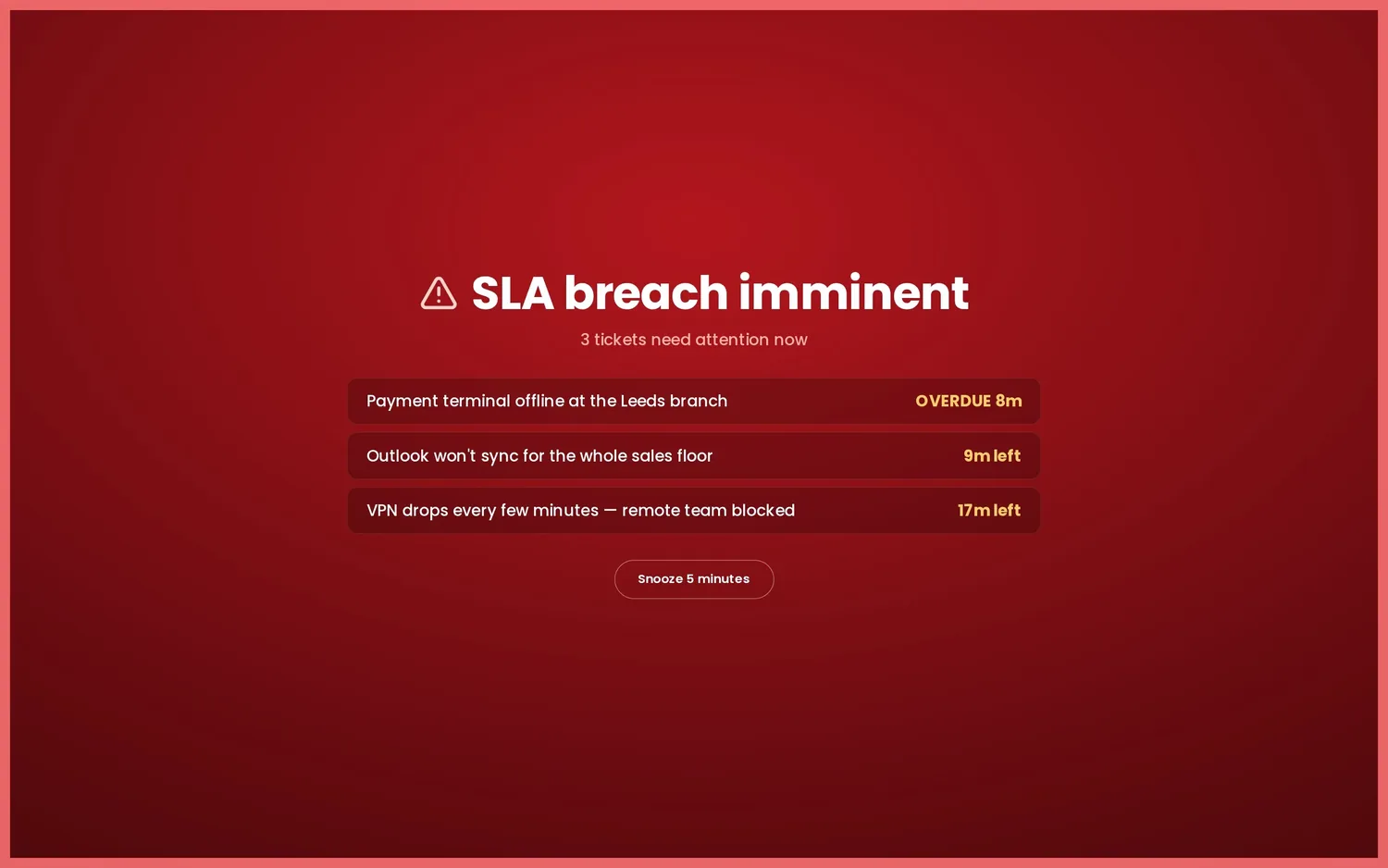
What to put on an MSP NOC wallboard
Tickets, SLAs, per-client status and device/RMM health on one screen for your MSP service desk.
Read the guide →Call centre metrics explained: service level, ASA, abandonment & AHT
Service level, ASA, abandonment and AHT explained — and which call-centre metrics belong on the wall.
Read the guide →How to clear a help desk ticket backlog (without burning out)
A calm, practical playbook for clearing a help desk backlog — and keeping it from coming back.
Read the guide →Keeping a remote support team aligned with a shared wallboard
How a shared, live board keeps a distributed or hybrid support team aligned — and how to access it remotely.
Read the guide →See it on your own wall.
Demo mode fills the board with realistic sample data in about 30 seconds — no account, no card. Every plan then starts with a 14-day free trial, billed only if you keep it.