 Nexus
NexusFeatures → SuperOps wallboard
SuperOps wallboardThe self-hosted SuperOps wallboard.
Built for the MSP service desk: put your live SuperOps PSA tickets and RMM device health on the wall, broken out per client. Nexus reads SuperOps directly, runs on your own server, and costs a flat £29–£119/month.
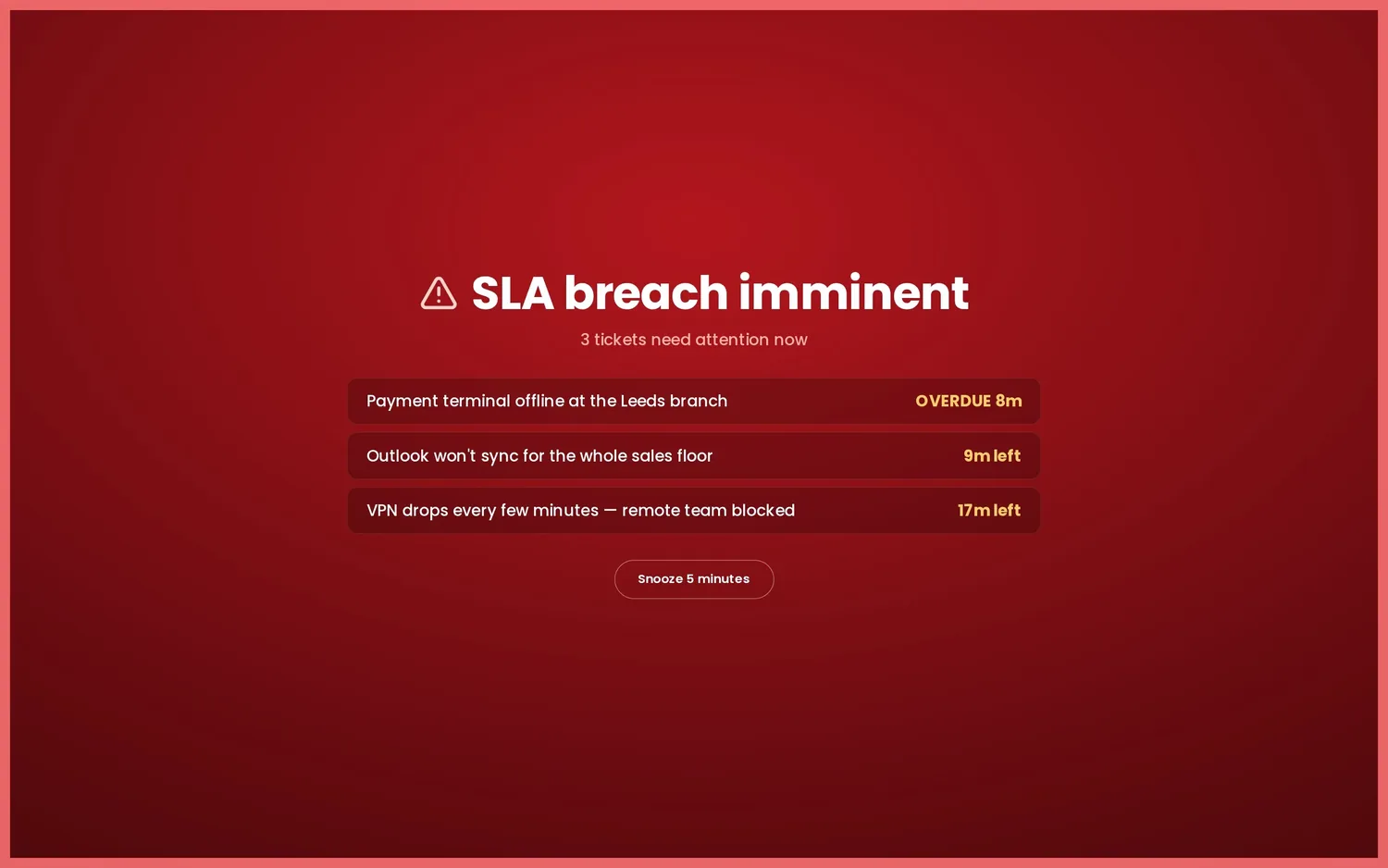
What your SuperOps board shows.
PSA tickets & SLA due times
Open, in-progress and breaching tickets per technician, with SLA first-response and resolution countdowns that turn amber then red before each due time lapses.
RMM device health
SuperOps RMM as its own panel — devices with issues, normalised to {name, issues, status} right next to the PSA ticket queue, both sides on one wall.
Per-client status
Ticket load and SLA pressure broken out by client, straight from the SuperOps clients data — the view MSPs actually run the floor on, in one glance.
Connect SuperOps in three steps.
- Install Nexus
Run the desktop app or the Docker server on hardware you already own. Nothing proxies through our cloud — there isn't one.
- Pick data centre & subdomain
Choose your SuperOps data centre — US or EU — and enter your subdomain from Settings → MSP Information, so Nexus talks to the right region.
- Paste an API token & cast
Add an API token from My Profile → API token. Nexus reads the PSA and RMM sides over GraphQL, then you pick a theme and send the board to the office TV.
Full walkthrough in the documentation.
Your client data stays yours
Nexus calls the SuperOps GraphQL API from your server with your own API token. Client and ticket data never lands in someone else's cloud — there's no middleman to trust.
Flat pricing for MSPs
£29–£119/month flat — unlimited screens, technicians and clients. The price doesn't climb as you onboard more managed sites.
PSA + RMM on one wall
SuperOps tickets, SLA due times and RMM device health side by side — the single board an MSP NOC actually needs, themed for the room and built to run on a TV all day.
SuperOps wallboard FAQ.
What do I need to connect SuperOps?
Three things: your data centre (US or EU), your subdomain from Settings → MSP Information, and an API token created under My Profile → API token. Nexus reads SuperOps over its GraphQL API directly from your own server.
Does the SuperOps board show both PSA and RMM?
Yes. SuperOps runs PSA and RMM in one platform, and the board reflects both: PSA tickets, technicians and per-client status alongside RMM device health. The monitoring panel normalises devices to the same name, issues and status rows as every other vendor.
Can it track SLA breaches from SuperOps?
Yes. SuperOps exposes SLA first-response and resolution due times, so the board counts down to each and turns amber then red as a ticket approaches breach. It surfaces first-reply timing rather than agent presence or a phone queue, which the SuperOps API does not provide.
How much does the SuperOps wallboard cost, and where does data live?
Flat £29–£119 per month with unlimited screens, technicians and clients — no per-seat pricing. Nexus is self-hosted, so it reads SuperOps from your own server and your client data never leaves your infrastructure.
Run a different desk?
See your MSP desk on the wall.
Demo mode fills the board with realistic sample data in about 30 seconds — no account, no card. Like what you see? Plans start at £29/month flat, with a 14-day free trial — billed only if you keep it.