 Nexus
NexusFeatures → Self-hosted
Self-hosted & private deploymentYour board. Your server. Your data.
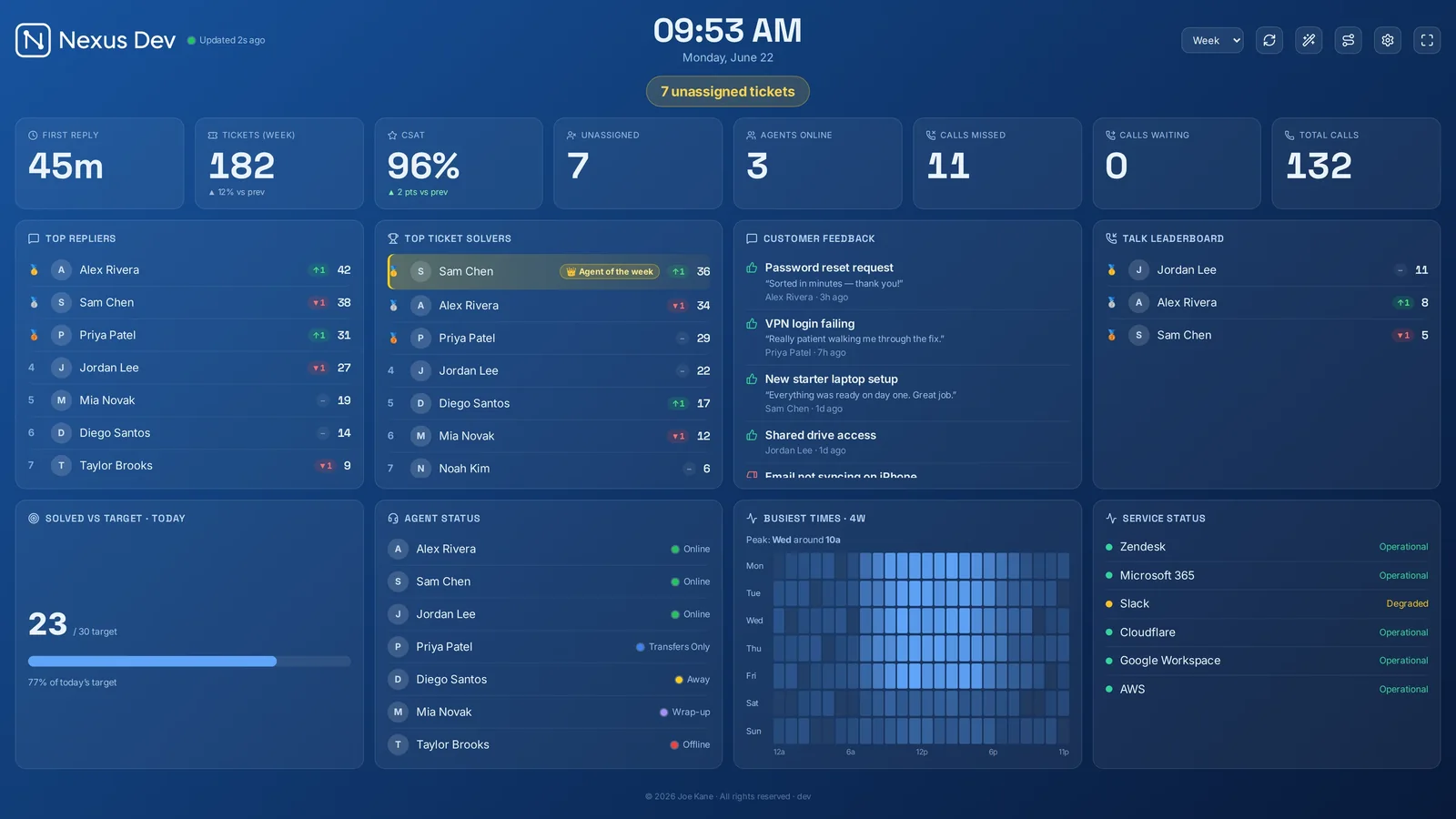
Nexus is a self-hosted support wallboard: it runs on infrastructure you control and reads your help desk directly, so ticket, customer and SLA data never touch a third-party cloud. One Docker command to stand it up — or let us run a private, isolated instance for you.
Nothing leaves your infrastructure.
No vendor cloud in the path
Nexus connects out to your help desk's API and keeps board state on the host. There's no Nexus-operated cloud between you and your data — because there's no Nexus cloud at all unless you choose managed hosting.
You choose the region
Run it where your compliance needs it — your own datacentre, a VPS, a home-lab box or a cloud VM in any region. Data residency is wherever you put the container.
Behind your own front door
Put it on your LAN, a VPN, or behind your reverse proxy with SSO. Read access can be gated with a passcode, named accounts or Google/Microsoft sign-in.
One command, then a wizard.
Nexus ships as a single container. There's no cluster to stand up and no database to provision.
Run the container
Pull and run the Nexus image with docker run (or drop it into Compose / Portainer). One image, one port — that's the whole footprint.
Connect your help desk
Open the address and the first-run wizard asks which help desk you use, takes an API token, and pulls your live queue. Zendesk, Freshdesk, Freshservice, Jira Service Management, HaloPSA, SuperOps, NinjaOne, ConnectWise, Zoho Desk, Help Scout or Front.
Activate & go on the wall
Paste your licence key, then cast the board to any TV, desktop or phone. Set a passcode or SSO, put it behind your reverse proxy, and you're live. Full steps in the deployment docs.
Encrypted at rest
API tokens and other secrets are encrypted with AES-256-GCM; account passwords are scrypt-hashed. See the security page for the mechanisms.
Access & audit
Passcode, named user accounts with roles, SSO and access links — plus an admin audit trail of who changed what, exportable and retention-bounded.
Prefer we run it?
Managed hosting is a private, isolated instance in a UK or EU region for £15/month on any plan — the same software, operated and updated by us.
Self-hosting FAQ.
What does self-hosted mean for Nexus?
Nexus runs entirely on infrastructure you control — your own server, VM or container host. It reads your help desk directly and stores board state locally, so ticket, customer and SLA data never passes through a third-party cloud. You decide where it runs and who can reach it.
How do I deploy Nexus on my own server?
It's a single Docker command. Nexus ships as one container image; run it, open the address, and a first-run wizard walks you through connecting your help desk and activating your licence. It sits behind your own reverse proxy, VPN or SSO like any internal service. See the Docker guide.
Where does my data live with a self-hosted wallboard?
On your server, in the region you choose. Nexus reads your help desk over its API and keeps board state (layout, settings, history) in local storage on the host. Nothing is sent to Nexus — there is no vendor cloud in the data path.
Is a self-hosted wallboard secure?
Secrets such as API tokens are encrypted at rest with AES-256-GCM, and account passwords are scrypt-hashed. Read access can be gated with a passcode, named user accounts or SSO (Google, Microsoft or an identity-aware reverse proxy), and an admin audit trail records who changed what.
Which help desks can a self-hosted Nexus read?
Zendesk, Freshdesk, Freshservice, Jira Service Management, HaloPSA, SuperOps, NinjaOne, ConnectWise PSA, Zoho Desk, Help Scout and Front — plus a custom connector to any API on Enterprise. It connects out to those services; they never need to reach in.
What if I don't want to run a server?
Nexus offers managed hosting — a private, isolated instance run by us in a UK or EU region — for an additional £15 per month on any plan. It's the same software you'd self-host, just operated and updated for you.
Run it where you want it.
Try the board in demo mode first — realistic sample data, no account, no card. When you're ready, self-host in one command or spin up a managed private instance. Plans start at £29/month flat, with a 14-day free trial.